Custom LMS Development for Corporate Training: Features, Design and Rollout
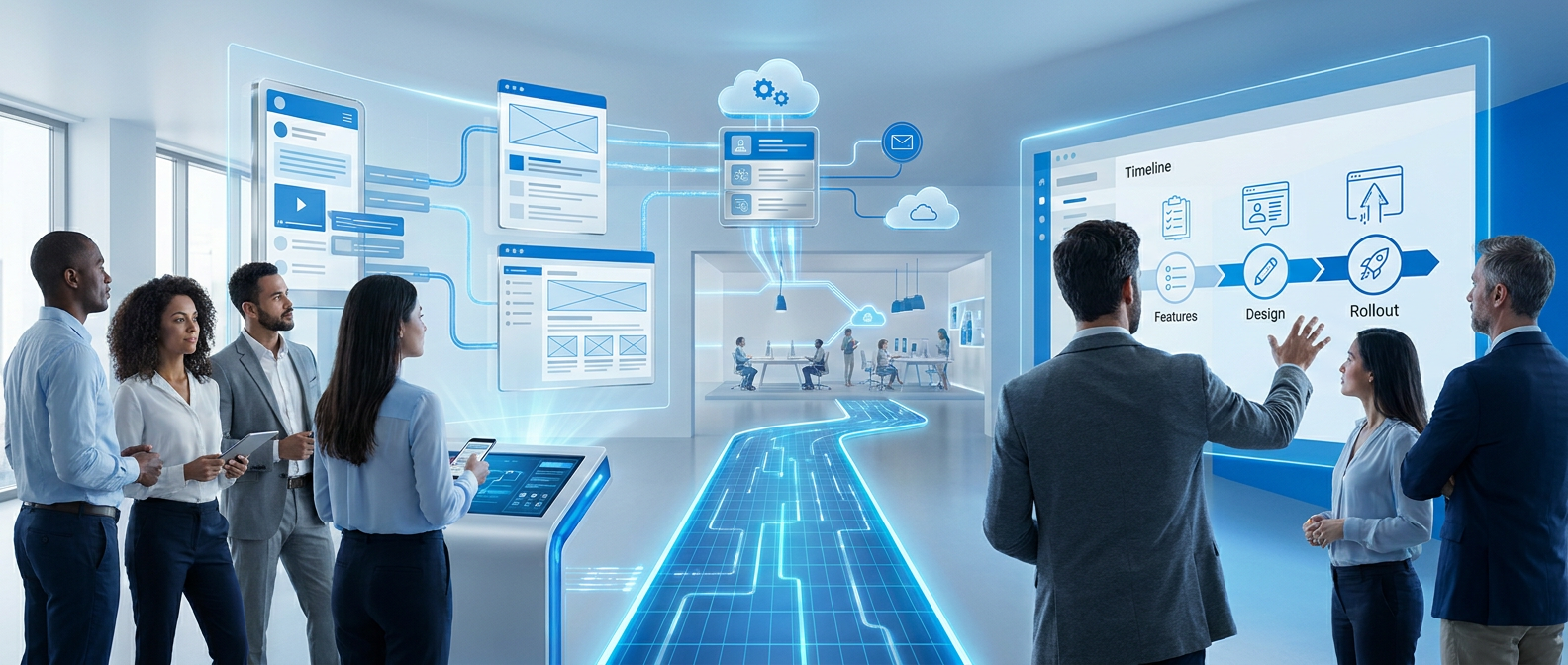
A learning management system, or LMS, lets firms create and track staff training. A tailored system includes the features your training needs require. Training records help regulated firms show that staff have met training rules.1, 2
When a custom LMS makes sense
An off-the-shelf LMS often includes features your firm will not use. A custom build can focus on your training needs and business processes.2
A custom LMS lets your firm own and maintain its intellectual property. You can start with needed features, then add more as the firm grows.2
Off-the-shelf tools cover most standard training needs at a lower cost than a custom build. Custom development suits learning needs that existing tools cannot meet.3
These needs can include unique content formats or close links with internal systems. They can also include AI-led learning paths or unusual ways to assess staff.3
Fit the system to your workforce
A custom LMS can mirror your firm's structure through user groups. Roles can include managers, trainers, learners and those who manage the system.2
Access controls can limit who sees sensitive staff and customer data. The platform can also fit complex workflows and automate new starter training.4
Protect staff data
An LMS holds personal staff details and other sensitive data. Two-factor sign-in, firewalls and routine backups help protect those records.5
A custom platform can use end-to-end encryption to protect staff and customer data. Fine-grained access controls and audit trails add further safeguards.4
Course access and learning paths
Course rules can enrol staff based on role, team, location or hire date. Custom staff fields can also guide which training each person gets.1
The LMS can grant access to new material once staff finish baseline courses. It can also issue certificates when staff complete training.5
Badges and leaderboards can make training more engaging and help staff retain what they learn. Staff can earn badges or compete with others through the system.5
Tailored learning paths and social features can motivate staff to complete courses. They can help turn training into a habit rather than a box to tick.4
Reports and mobile learning
LMS reports can cover users, groups, teams and courses. Learner engagement data can help guide which courses staff are assigned.2
Training data shows how staff perform and whether they work through modules. That insight can support feedback and changes to training methods.5
Custom dashboards can match the firm's training reporting needs. A mobile app can let staff train on the go, even without an internet connection.2
Mobile learning lets staff continue training without being tied to one place. This adds flexibility to how they use the LMS.5
Connect HR systems and company sign-in
Links with HR systems can automate account creation, role changes and removal when staff leave. Supported HR systems can include Workday, BambooHR and ADP. Bulk imports and exports can cover users, course enrolment and training records.1
Single sign-on, or SSO, lets staff use their existing company login. Options include Azure AD, Okta and Google Workspace.1
Enterprise SSO links can use SAML or OAuth. APIs can link the LMS with CRM, performance and business reporting tools.3, 1
Content standards and compliance records
SCORM and xAPI support third-party content and track detailed learner actions.3, 1 A learning record store holds xAPI learning data. It can capture learning across several systems and platforms.1
Regulated firms need audit trails and signed records to show training compliance. Version control and records also help them prepare for inspections.1
Sector-specific needs can include HIPAA-compliant training platforms in healthcare. They can also include 21 CFR Part 11-compliant training records for pharmaceutical firms.3
Scope the first release
Discovery covers business needs, technical constraints and the standards the system must meet. It helps establish whether the work needs a new build, a rebuild or a smaller change.6
A minimum viable product, or MVP, can start with course delivery, SCORM support and basic reports. This first release can validate the platform before spending grows.3
Later phases can add video systems, AI tutoring and enterprise links. When replacing an old LMS, the scope can include what to keep, rebuild and move.3, 6
HR, CRM and sign-in links can form part of the core system design. AI features can include adaptive learning, tutoring and auto-grading, with governance built in.6
Move content and roll out in stages
Content work covers moving material, creating courses, building learning paths and adding assessments. A limited pilot gathers user feedback so the platform can be refined.1
Full rollout can take place in phases with staff training and support. Monitoring forms part of that rollout.1
The timeline depends on firm size, content volume and the links to other systems. Custom needs, regulatory checks and staff training also affect the schedule.1
A highly complex custom LMS may take six to nine months to build. A simple deployment with few system links can launch in four to eight weeks.4, 1
Large enterprise projects with extensive links, custom work or regulatory checks may need nine to twelve months. That differs from a simple deployment with little integration work.1
Custom learning software with Kraftwire
Kraftwire offers custom software development. Its service range also includes API development, cloud solutions and mobile app development.
Kraftwire offers bespoke systems designed to match your workflows. Its mobile offer covers native and cross-platform apps for iOS and Android.7
Kraftwire's AI digital engineering offer pairs developers with language models to speed up work. The advertised delivery model uses six-week deliverables.7
Kraftwire's discovery stage covers goals, constraints and what finished work should look like. Design approval comes before development starts.7
The development offer includes regular updates and working software shown during the build. Launch and support cover deployment, monitoring and ongoing help.7
Kraftwire's security setup
Kraftwire uses Lovable for hosting and Supabase for its database. Both providers are SOC 2 Type 2 compliant and ISO 27001 certified.8
Lovable's certification covers ISO 27001:2022. Kraftwire uses several layers of security across its hosting and database setup.8
Kraftwire's database controls include row-level security to restrict data access. Its setup includes AES-256 encryption at rest and TLS 1.3 in transit.8
Client-side AES-256-GCM encryption applies where relevant. Multiple security layers aim to protect data if one layer fails.8
Sources
FAQ
When should an enterprise build a custom LMS instead of buying off-the-shelf software?
A custom build makes sense when existing tools cannot meet your learning needs or fit your internal systems. It can also suit firms that need ownership of their intellectual property. Off-the-shelf tools cover most standard training needs at a lower cost than a custom build.
How long does it take to develop and launch a custom LMS?
A highly complex custom LMS may take six to nine months to build. Simple deployments with few system links can launch in four to eight weeks. Large enterprise projects with extensive links, custom work or regulatory checks may need nine to twelve months.